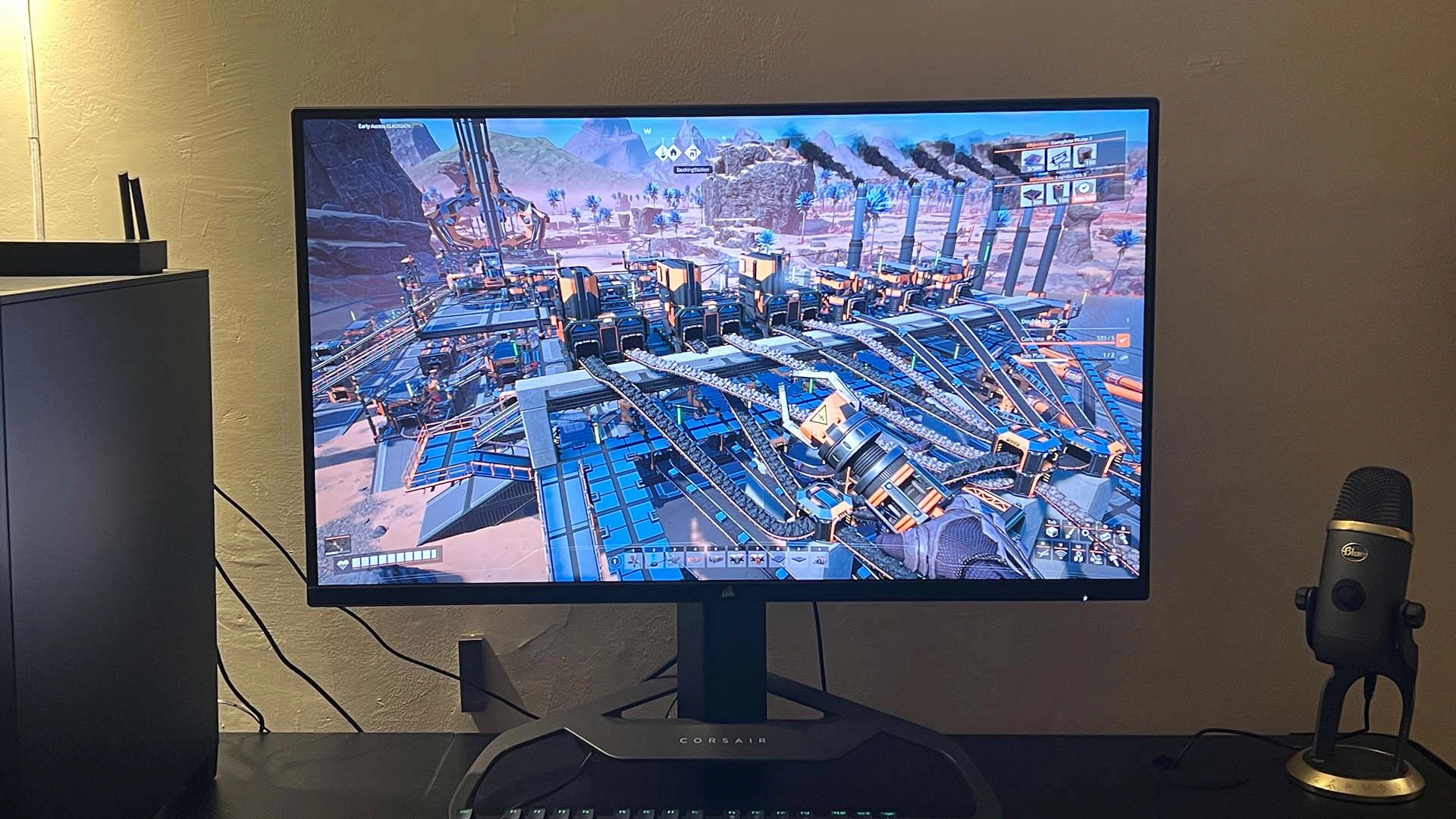
Unleash the Full Potential of Your Xbox Series X: The Ultimate Guide to Gaming Monitors
The Xbox Series X is a powerhouse console, delivering stunning visuals, lightning-fast loading times, and a truly immersive gaming experience. However, to fully appreciate its capabilities, you need a display that can keep up. That’s where a high-quality gaming monitor comes in. This guide will walk you through everything you need to know to choose the perfect monitor for your Xbox Series X, covering essential features, popular models, and key considerations to ensure you get the most out of your gaming sessions.
Why a Gaming Monitor Matters for Xbox Series X
The Xbox Series X is designed to output games at resolutions up to 4K with refresh rates up to 120Hz. A standard TV might not be able to handle these specifications, leading to a compromised gaming experience. Here’s why a gaming monitor is a superior choice:
- Higher Refresh Rates: Gaming monitors typically offer refresh rates of 120Hz, 144Hz, or even higher. This results in smoother motion, reduced motion blur, and a more responsive feel, crucial for competitive gaming.
- Lower Input Lag: Input lag is the delay between your controller input and the action appearing on screen. Gaming monitors prioritize low input lag, providing a more immediate and responsive experience.
- Faster Response Times: Response time refers to how quickly a pixel can change color. Lower response times (measured in milliseconds) reduce ghosting and blurring, especially in fast-paced games.
- Variable Refresh Rate (VRR) Support: VRR technologies like AMD FreeSync and HDMI Forum VRR synchronize the monitor’s refresh rate with the console’s output, eliminating screen tearing and stuttering.
- Better Image Quality: Many gaming monitors offer features like HDR (High Dynamic Range) support, wider color gamuts, and higher contrast ratios, resulting in more vibrant and realistic visuals.
Key Features to Look For in an Xbox Series X Gaming Monitor
When selecting a gaming monitor for your Xbox Series X, consider these essential features:
-
Resolution:
- 4K (3840 x 2160): The ideal resolution for the Xbox Series X, offering the highest level of detail and clarity. However, 4K monitors can be more expensive and require a powerful console to run games smoothly.
- 1440p (2560 x 1440): A great middle ground, providing a significant visual upgrade over 1080p while being less demanding than 4K. The Xbox Series X supports 1440p output.
- 1080p (1920 x 1080): Still a viable option, especially for budget-conscious gamers or those who prioritize high refresh rates.
-
Refresh Rate:
- 120Hz or Higher: Essential for taking advantage of the Xbox Series X’s 120Hz output. Higher refresh rates result in smoother, more responsive gameplay.
-
Response Time:
- 5ms or Lower: Aim for a response time of 5ms or lower to minimize ghosting and blurring. 1ms is ideal for competitive gaming.
-
Panel Type:
- TN (Twisted Nematic): Typically the fastest and most affordable, but with narrower viewing angles and less accurate colors.
- VA (Vertical Alignment): Offers a good balance of speed, contrast, and color accuracy. Excellent for immersive gaming experiences.
- IPS (In-Plane Switching): Known for its wide viewing angles and accurate colors, making it ideal for content creation and enjoying visually stunning games.
-
Variable Refresh Rate (VRR):
- AMD FreeSync Premium Pro: Ensures a tear-free gaming experience on the Xbox Series X.
- HDMI Forum VRR: Another VRR standard that works with the Xbox Series X over HDMI.
-
HDR (High Dynamic Range):
- HDR10: The standard HDR format.
- Dolby Vision: A more advanced HDR format that offers superior dynamic range and color accuracy, though less common in monitors.
-
Connectivity:
- HDMI 2.1: Essential for supporting 4K resolution at 120Hz. The Xbox Series X requires HDMI 2.1 for its highest-end capabilities.
- DisplayPort: Primarily used for PC gaming, but some monitors offer DisplayPort inputs as well.
-
Ergonomics:
- Adjustable Stand: Look for a monitor with height, tilt, and swivel adjustments for optimal comfort.
- VESA Mount: Allows you to mount the monitor on a wall or monitor arm for better positioning.
Top Gaming Monitor Recommendations for Xbox Series X
Here are some of the best gaming monitors currently available for the Xbox Series X, catering to different budgets and preferences:
-
High-End (4K/120Hz+):
- LG 27GP950-B: A top-tier 4K gaming monitor with a 144Hz refresh rate (overclockable to 160Hz), 1ms response time, and HDMI 2.1 for full Xbox Series X compatibility. Excellent color accuracy and HDR performance.
- Samsung Odyssey Neo G7/G8: These monitors feature a Mini-LED backlight for exceptional contrast and brightness, along with a 165Hz refresh rate and 1ms response time. HDMI 2.1 ensures compatibility with the Xbox Series X.
- ASUS ROG Swift PG32UQ: A 32-inch 4K gaming monitor with a 144Hz refresh rate, 1ms response time, and HDMI 2.1. Offers excellent image quality and features like Display Stream Compression (DSC) for seamless 4K/144Hz gaming.
-
Mid-Range (1440p/120Hz+):
- Gigabyte M27Q X: A popular 27-inch 1440p gaming monitor with a 170Hz refresh rate (overclocked), 0.5ms response time, and AMD FreeSync Premium Pro. Offers excellent value for its performance.
- ASUS TUF Gaming VG27AQ: A well-rounded 27-inch 1440p gaming monitor with a 165Hz refresh rate (overclocked), 1ms response time, and G-Sync compatibility.
- Dell Alienware AW2721D: A premium 27-inch 1440p gaming monitor with a 240Hz refresh rate, 1ms response time, and G-Sync compatibility. Offers exceptional performance for competitive gaming.
-
Budget-Friendly (1080p/120Hz+):
- ASUS TUF Gaming VG279Q1A: A 27-inch 1080p gaming monitor with a 165Hz refresh rate (overclocked) and 1ms response time. Offers good value for its price.
- BenQ MOBIUZ EX2510S: A 25-inch 1080p gaming monitor with a 165Hz refresh rate and 1ms response time. Features BenQ’s HDRi technology for enhanced HDR performance.
Tips for Setting Up Your Gaming Monitor with Xbox Series X
- Connect via HDMI 2.1: Use a certified HDMI 2.1 cable to ensure you can take full advantage of the Xbox Series X’s capabilities.
- Enable 120Hz Mode: In the Xbox Series X settings, navigate to "General" > "TV & display options" and set the refresh rate to 120Hz.
- Enable VRR: Make sure VRR is enabled in the Xbox Series X settings to eliminate screen tearing.
- Calibrate Your Monitor: Use the monitor’s built-in settings or a calibration tool to optimize the image quality for your preferences.
- Adjust HDR Settings: Experiment with the HDR settings on both the Xbox Series X and your monitor to find the best balance for your games.
Conclusion
Choosing the right gaming monitor for your Xbox Series X can significantly enhance your gaming experience. By considering the key features, understanding your budget, and exploring the recommended models, you can find the perfect display to unlock the full potential of your console. Happy gaming!